it learns Tools & Session Setup
Brightness, audio, redeem checks, and lobby prep — the boring gear that keeps nights readable.
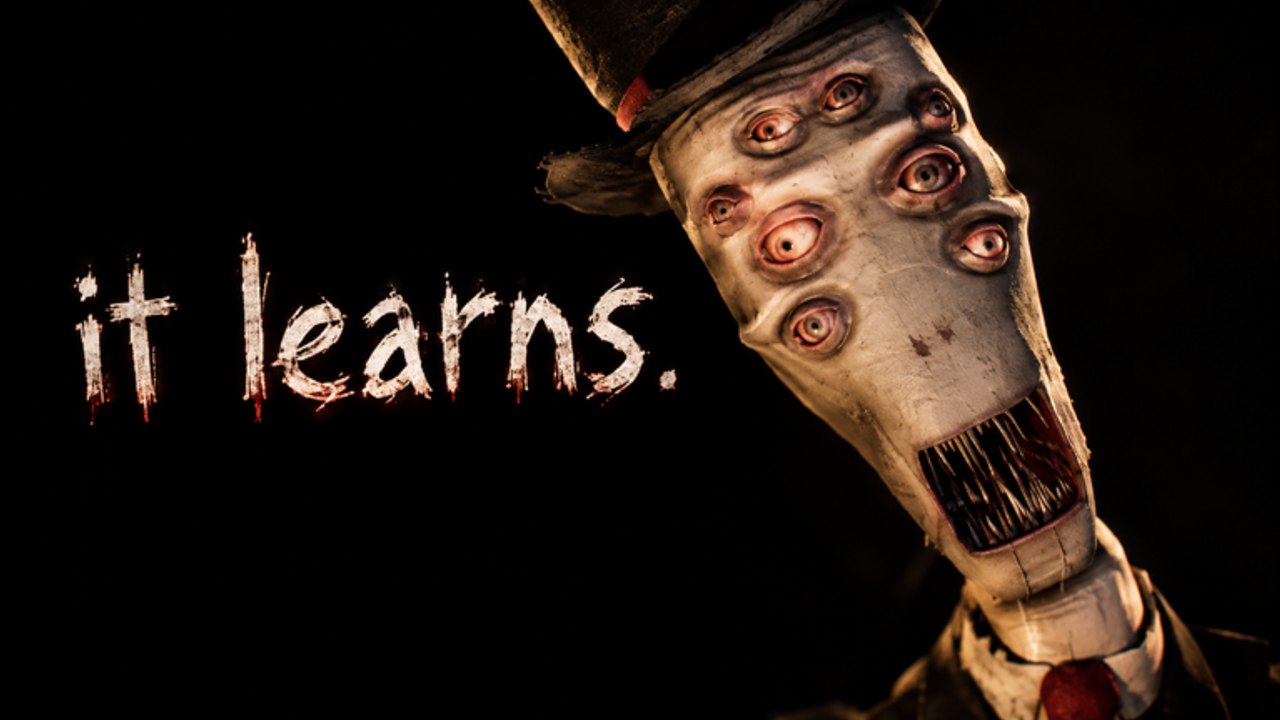
The Tools hub for it learns is not a cheat menu. It is the practical setup layer: client settings, session checklists, and honest limits of what Roblox allows for this experience. Pair it with Controls for input habits and Codes for rewards.
What belongs on this hub
| Tooling | Purpose |
|---|---|
| Roblox graphics / audio | Readable nights without drowning SFX |
| Voice / chat readiness | Clean callouts in co-op |
| Codes redeem checklist | Verify UI + Discord source before pasting |
| Session validation | Short test night after patches |
| Account safety | Avoid executors posing as “tools” |
If you came here for Infinite Yield, leave — that discussion is quarantined under Scripts with risk labels.
Roblox client setup (do this once)
- Set a stable frame rate target; stutter causes panic sprints.
- Balance brightness so doorframes read without milky whites.
- Keep sound effects above music during hunts.
- Confirm microphone permissions if you stack with voice.
- Favorite it learns. [HORROR] for fast relaunch after updates.
Details on movement discipline live in Controls.
Server & lobby facts (verified)
From the live experience configuration used by this wiki’s research pass:
- Max players: 14
- VIP / private servers: not enabled for this universe (
createVipServersAllowedis false) - Stage: early beta — feedback requested on the Roblox page
- Creator: ric made this
That means you cannot spin a tidy private lab with one click. Practice in public or low-pop servers, then treat chaos as part of the dataset problem (Players, Solo play).
Codes redeem checklist (tooling, not strings)
- Open Social Links on the official Roblox page and join Discord.
- Copy a string only from an official announcement channel.
- Launch the experience on the latest build (Updates).
- Look for an in-game Codes / Redeem control (lobby or menu — beta UI can move).
- Paste exactly; never share your password with “redeem bots.”
- If no UI exists yet, stop — do not install auto-redeem malware.
Active tables stay on the Codes hub. This page only owns the checklist.
Post-patch validation toolkit
After you notice a new build (Roblox showed updates into mid-November 2026):
- Join one short night.
- Test interact prompts on a known prop type.
- Fire one loud tool once, then retire the angle (Weapons).
- Confirm voice/chat still works for callouts.
- Only then attempt a serious escape (Escape walkthrough).
Anti-tools (what we refuse to promote)
- Executors and injected GUIs
- “Free Robux” overlays tied to fake codes
- Account sharers and session stealers
- Overlay ESP marketed as “training wheels”
Those break Roblox rules, shatter on hotfixes, and teach nothing about The Watcher (Watcher mechanics).
Recommended kit for a three-stack
| Player | Setup focus |
|---|---|
| Caller | Voice clarity + Tips pinned |
| Runner | Stable FPS + objective language |
| Flex | Burned-angle notes + weapon retirement |
Related hubs
- Guides — strategy
- Codes — rewards honesty
- Updates — when to re-run this checklist
- Wiki overview — systems map
Good tools are invisible. They keep the night readable so your real skill — staying unpredictable — can show up.
Frequently Asked Questions
Quick answers for surviving The Watcher and redeeming codes.
Does it learns have VIP private servers?
No. Private/VIP servers are not enabled for this experience, so practice happens in public or low-population lobbies.
Is this hub for scripts and executors?
No. Risky injected menus belong under Scripts with warnings. Tools here means settings and session prep.
What should I configure before night one?
Readable brightness, audible SFX, stable FPS, and working voice or chat for callouts.
Where do I redeem codes?
Only after copying a Discord announcement via Social Links. Use the Codes hub for status and this checklist for the redeem flow.
Why run a validation night after updates?
Early beta hotfixes can move interacts, audio, or tool feel. A short test prevents wasting a full escape commit on broken assumptions.